
Tile Calculator
What does this Tile Calculator do?
It helps you find out exactly how many tiles you need to cover a floor, wall, or any surface. It also tells you how many boxes to buy if you know how many tiles come in one box. The calculator works on both mobile phones and computers without any extra spacing or layout problems.
Why is it useful?
If you buy too few tiles, you have to stop work and go to the shop again. If you buy too many, you waste money. This tool saves time and money by giving the right number.
What information do you need to enter?
You have to give four main things (all are simple numbers and dropdown choices):
- Tile size – length and width of one tile.
- Gap (grout) – the small space you leave between tiles.
- Area to cover – either by giving room length & width, or by directly giving total area.
- Box size (optional) – how many tiles come in one box.
The tool lets you choose different units: centimeters (cm), meters (m), inches (in), feet (ft), yards (yd), and millimeters (mm). You can mix units – for example, tile size in inches and room length in feet. The calculator automatically converts everything.
Step‑by‑step example (easy to follow)
Let’s say you want to tile a small bathroom floor.
| What you enter | Your value | Unit |
|---|---|---|
| Tile length | 12 | inches |
| Tile width | 12 | inches |
| Gap (grout) | 0.25 | inches |
| Room length | 8 | feet |
| Room width | 6 | feet |
| Tiles per box | 10 | (optional) |
What the calculator does behind the scenes:
- Converts tile 12 inches → 30.48 cm
- Converts gap 0.25 inches → 0.635 cm
- Adds gap to tile → effective tile size = 31.115 cm × 31.115 cm
- Converts room 8 ft × 6 ft → 243.84 cm × 182.88 cm
- Area of room = 44,588 cm²
- Area of one tile (with gap) = 968.2 cm²
- Tiles needed = 44,588 ÷ 968.2 ≈ 46.05 → rounded up to 47 tiles
- Boxes needed = 47 ÷ 10 = 4.7 → rounded up to 5 boxes
Results you will see:
- Total area = 4.46 m²
- Tiles needed = 47
- Boxes required = 5
Unit conversion table (for your understanding)
The calculator uses these conversions to make everything work together.
| From unit | To cm (length) | To cm² (area) |
|---|---|---|
| 1 mm | 0.1 cm | – |
| 1 cm | 1 cm | – |
| 1 m | 100 cm | – |
| 1 inch | 2.54 cm | – |
| 1 foot | 30.48 cm | – |
| 1 yard | 91.44 cm | – |
| 1 m² | – | 10,000 cm² |
| 1 ft² | – | 929.03 cm² |
| 1 yd² | – | 8,361.27 cm² |
Simple “graph” to show how tile count changes with gap size
Imagine a 10 ft × 10 ft room (100 sq ft). Using a 12 inch × 12 inch tile. The graph below (text style) shows that if you increase the gap, you need fewer tiles because each tile covers more space (including the gap).
Gap
This document explores the concepts of gap and overlap in various positioning systems, such as UI design, grids, and manufacturing tolerances. We will define positive gaps, zero gaps, and negative gaps (overlaps), providing real-world examples and simple diagrams to illustrate these concepts. By the end, you will have a clear understanding of how gaps and overlaps can be both useful and problematic depending on the context.
What is a Gap?
A positive gap refers to the space created between two elements. This space can enhance readability and visual appeal, making it easier for users to distinguish between different components.
Example in UI Design:
In a mobile app, buttons may have a positive gap between them to prevent accidental clicks. This spacing improves user experience by making the interface more navigable.
Zero Gap
A zero gap occurs when elements are aligned edge-to-edge. This alignment can create a clean and cohesive look, but it may also lead to a cluttered appearance if not managed properly.
Example in Grids:
In a grid layout for a website, images and text blocks can be placed with zero gaps to create a seamless flow of content. This technique is often used in portfolios or galleries.
What is Overlap?
A negative gap, or overlap, happens when elements intersect. While this can create interesting visual effects, it can also lead to confusion if not used judiciously.
Example in Manufacturing Tolerances:
In manufacturing, parts may overlap slightly to ensure a snug fit. However, excessive overlap can lead to misalignment and functional issues.
Visual Representation of Gap and Overlap
Simple Diagram Explanation
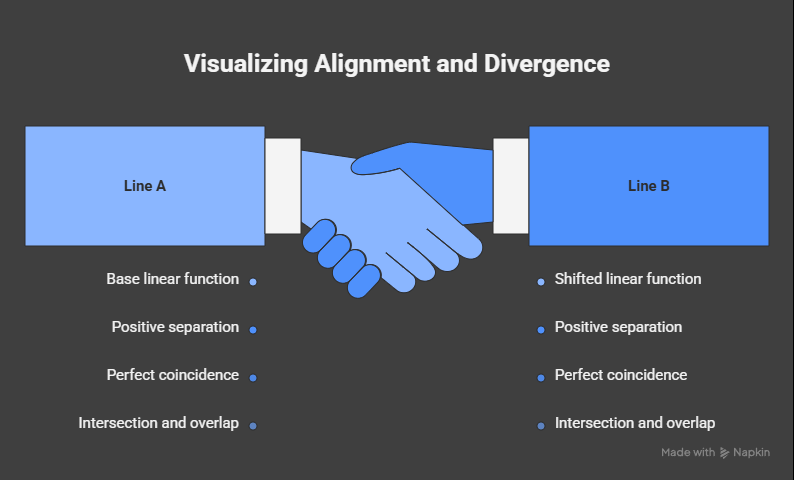
Imagine two lines on a graph representing two elements:
y = x
y = x + c
- When c > 0: The lines are separated, indicating a positive gap.
- When c = 0: The lines coincide, showing perfect alignment with a zero gap.
- When c < 0: The lines intersect, demonstrating overlap.
Here’s a simple representation:
Positive Gap (c > 0):
y = x + 2
y = x

   |
   |       /
   |      /
   |     /
   |    /
   |   /
   |  /
   | /
   |/____________________
   0

Zero Gap (c = 0):
y = x
y = x

   |
   |       /
   |      /
   |     /
   |    /
   |   /
   |  /
   | /
   |/____________________
   0

Negative Gap (c < 0):
y = x - 2
y = x

   |
   |       /
   |      /
   |     /
   |    /
   |   /
   |  /
   | /   /
   |/___/________________
   0
When is Overlap Useful or Problematic?
Useful Overlap
- Visual Effects: In graphic design, overlapping elements can create depth and interest. For example, overlapping images can produce a collage effect.
- Space Optimization: In UI design, overlapping elements can save space, especially in mobile applications where screen real estate is limited.
Problematic Overlap
- Confusion: Overlapping text and images can make content hard to read, leading to a poor user experience.
- Functional Issues: In manufacturing, excessive overlap can cause parts to fit incorrectly, leading to malfunctions.